Get in touch
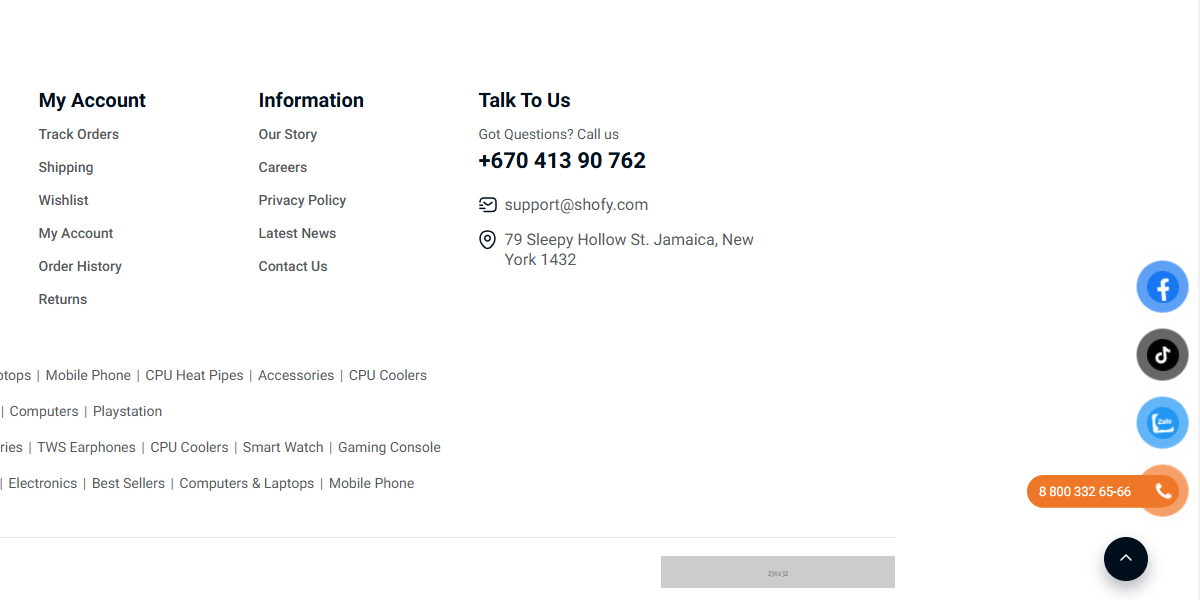
Popup Chat Button is a plugin for Botble CMS. It allows you to add a floating button chat to your website.

Install via Admin Panel
Go to the Admin Panel and click on the Plugins tab. Click on the "Add new" button, find the Popup Chat plugin and click on the "Install" button.
Install manually
platform/plugins directory.First, you need to go to Admin → Theme Options → Chat Button tab to set up your information.

The MIT License (MIT). Please see License File for more information.
Your email address will not be published. Required fields are marked *